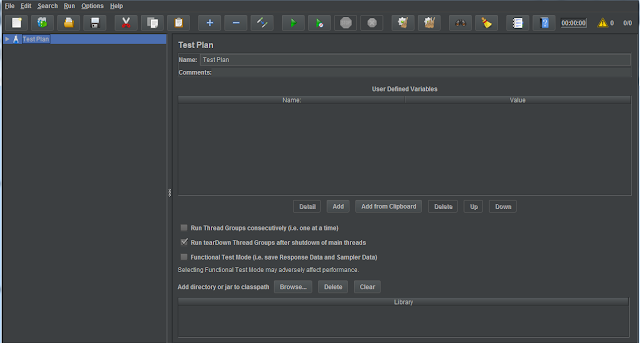
In this post you will see how to load test your App JMeter 1. Download JMeter from http://jmeter.apache.org/download_jmeter.cgi 2. Go to /bin folder and run Apache JMeter executable jar. 3. Create a TestPlan Create a ThreadGroup from Add--:> Threads and configure below properties no. of threads( users) Ramp-up period in secs (each thread will start after these many secs) Loop Count: specify the how many times it has to run the scenario. If you check forever , it will run forever. Add RecordingController to ThreadGroup from Add--> LogiCcontroller Add HTTPCookieManager to ThreadGroup from Add-->ConfigElement Add HTTPRequestDefaults to ThreadGroup from Add-->ConfigElemen and configure below properties protocol -- HTTP or HTTPS ServerName or IP Port Add ViewResultsTree to view scenario results from Add--> Listener Add HTTPTestScriptRecorder to TestPlan from Add--> NonTest-Element Add ViewResultsTree (...